

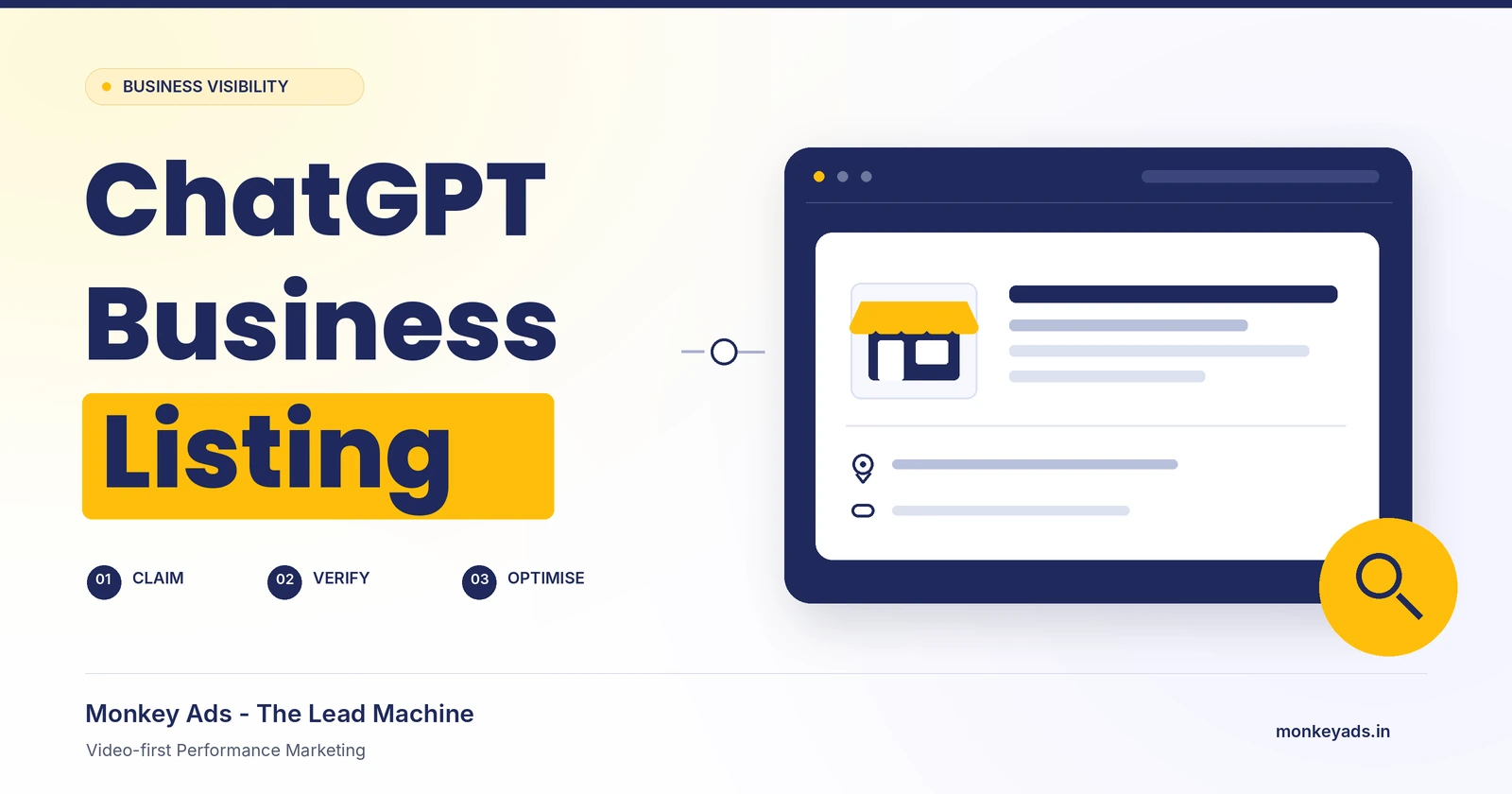
A practical guide to business verification, profile setup and AI search visibility.
A ChatGPT business listing gives eligible businesses a way to contribute accurate information about who they are and what they offer. A useful profile starts with a clear identity, authorised ownership and reliable customer contact details.
This guide from Monkey Ads – The Lead Machine explains the reader journey: check eligibility, find the right business, complete verification, build a helpful profile and check the customer experience. It also connects profile quality with our B.E.A.S.T SEO Framework™.
Availability matters: Features depend on location, business type and supported verification. Check OpenAI’s current setup guidance before starting. This is an independent guide, not an OpenAI endorsement or a guarantee of recommendations.
1. Understand the business-profile experience
Businesses in ChatGPT / Business Hub is different from ChatGPT Business, the paid workspace product for teams. A Business Agent is also a separate customer-facing conversational feature. Claiming a business profile does not mean buying workspace seats or launching an agent.
OpenAI introduced Businesses in ChatGPT in beta on 10 November 2026. Its current guidance limits local stores and restaurants to claiming existing U.S. listings. Business Agents are available to eligible U.S. ecommerce and online service businesses. Do not assume that every business in every country has the same onboarding route.
2. Prepare accurate business information
Before you begin, have the business owner’s permission and confirm the information customers should see:
- The public brand name and legal business identity where required.
- The official website and genuine business locations.
- Public contact details and actual opening hours.
- An accurate business category and concise description.
- Approved logos and relevant photographs.
- Access to an authorised representative who can complete the offered verification method.
Use truthful information. OpenAI’s profile policy prohibits fake or duplicate profiles, misleading claims, fabricated endorsements and privacy violations. A separate service name or brand IP does not automatically qualify for another listing.
3. Find the existing business before creating a profile
Open Business Hub from the ChatGPT web interface and search for your real business name. Compare the matching result with your website, location and other public details. A similar name alone is not enough to establish that it is your business.
Claim the matching existing listing when you are authorised to represent it. If no match exists, use a creation option only when it is available and your business is eligible. Avoid creating duplicate profiles to target more keywords.
4. Complete an offered verification method
Verification methods can vary. Follow the options provided in your account, which may include business phone or website-domain verification. Choose a method that the authorised business representative can genuinely access.
Keep account passwords and verification codes private. The business owner should retain control of the account, and identity checks should be completed through the official verification flow.
5. Verify a website domain carefully
If domain verification is offered, follow the current instructions for adding the supplied TXT record. The record name, value and any expiry belong to that specific claim. Copy them from the live verification screen rather than from someone else’s example.
Understand the registrar and DNS provider
A domain registrar manages domain registration. The active DNS provider manages the records used by internet services. These may be different companies. GoDaddy, Hostinger, Namecheap and Cloudflare are examples of providers you may encounter.
Ask your authorised domain administrator to identify the active DNS zone and add the verification record there. Do not change nameservers merely to add a TXT record, and do not overwrite records used by your website or email.
- Type: Use TXT when instructed.
- Name / host: Copy the exact value supplied for your claim.
- Value: Copy the complete verification value.
- TTL: Follow the verification instructions or your provider’s applicable default.
- Expiry: Complete verification within the current challenge’s validity period.
Some DNS interfaces append the domain automatically. Check the resulting record name rather than assuming every provider uses identical fields. Allow for DNS propagation, then return to Business Hub and complete the verification step. Saving a DNS record is not itself claim approval.
6. Distinguish claim approval from identity verification
Submission, review and approval are separate milestones. Follow the status shown in Business Hub and any official requests for additional information.
OpenAI distinguishes ownership-claim approval from Persona identity verification. Persona approval enables profile updates and insights, and the blue profile badge follows Persona approval. For a new profile created through Persona, approval can publish the profile automatically; do not assume a separate unpublished staging step always exists.
Advertising is a separate activity. A business-profile checklist should not treat purchasing ads as a requirement for organic profile management.
7. Build a complete and useful profile
Category and description
Choose categories that accurately describe your business. Write a concise explanation of your main offering, who it serves and where relevant, its location. Use the character limit enforced by the current form and count spaces and punctuation.
For example, a performance-marketing business can describe its core service clearly:
Monkey Ads – The Lead Machine is a Video-first Performance Marketing Solution for B2B and B2C brands. Based in Surat, Gujarat, we help businesses generate qualified enquiries through video ads, paid campaigns, conversion funnels, retargeting and lead nurturing.
Adapt any example to your own confirmed facts and the current field limit. Explain specialist frameworks on supporting website pages instead of filling a short profile description with unexplained acronyms.
Contact details
Use public business contact information. Test the website, telephone and email destinations so customers reach the intended business or service. The destination page should clearly explain the offering represented by the profile.
Photos
Use approved logos and genuine, relevant photographs with permission to publish them. Keep private dashboards, account information, confidential client work and personal documents out of public visuals. Follow the upload specifications shown in the current form, then confirm the saved images display correctly.
Location and hours
Enter a genuine address using the supported address-selection process. Where available, inspect the map position and place floor or suite details in the appropriate field. Do not substitute an inaccurate location simply to complete the form.
Use actual operating hours approved by the owner, including supported exceptions or appointment arrangements. Do not invent 24/7 availability for visibility.
8. Check the saved profile and customer experience
After making changes, save and reopen the relevant fields. Compare the saved information with the intended text, images and contact details.
Reviewing the owner’s preview and checking the customer experience serve different purposes. A blue badge does not prove that every recent edit is visible to every customer. OpenAI reviews changes, and answers may also draw on other sources.
Use a separate non-admin account to search neutrally for your business, where the relevant search and profile features are available. If a business profile appears, compare its details with your current public information. A web citation, directory result and native business profile are different forms of visibility.
A positive result is not a promise of appearing for every query. Search placement and recommendations are not guaranteed.
9. Give authorised teammates appropriate access
Use the platform’s supported business-management access controls rather than sharing the owner’s password. Confirm each person’s exact sign-in identity and grant only the access their work requires. Check that the intended person can open the business before treating access as complete.
For account-specific assistance, use OpenAI’s official support channel. Keep private account information out of public articles and comments.
10. Apply B.E.A.S.T SEO without promising AI rankings
A strong profile should reinforce the real business identity represented across your website and public information. Our B.E.A.S.T SEO Framework™ connects that identity with useful content and trust:
- B — Brand Entity Creation: Use the approved business identity and a clearly identifiable website presence.
- E — Entity Optimization: Explain what the business does and how its related solutions connect.
- A — Authority Layering: Support claims with genuine work, expertise and useful contributions.
- S — Semantic Keyword Integration: Use natural customer language rather than repetitive keyword stuffing.
- T — Trust Signals for AI Search: Keep facts current, cite evidence and represent relationships accurately.
These are Monkey Ads’ practical recommendations, not OpenAI ranking rules. For Monkey Ads – The Lead Machine, the focus is Video-first Performance Marketing. Related solutions and brand IPs should remain clearly distinguishable rather than being presented as interchangeable businesses.
Support the profile with a useful website
Maintain accessible text, helpful service pages, original case studies, relevant images and consistent public contact information. Structured data should match the visible page and accurately represent the organisation.
OpenAI distinguishes OAI-SearchBot, used for search discovery, from GPTBot, associated with potential model training. Their controls are independent. Your website team can review the appropriate crawler settings while preserving protections for private areas.
Google’s AI-search guidance continues to emphasise normal SEO fundamentals and does not require a special AI text file or special schema for its AI features. This is Google guidance, not an OpenAI certification. Use our Complete SEO Checklist alongside platform-specific requirements.
11. Measure discovery meaningfully
Business Hub insights include aggregated mentions, website clicks and discovery topics. Businesses do not receive individual users’ conversations or Business Agent chats through these insights.
Distinguish platform discovery metrics, website referral analytics and confirmed enquiries or sales. A mention is not a lead, and a click is not a sale. Record the reporting period and account for thresholds or reporting availability rather than automatically interpreting blank metrics as zero.
12. Your completion checklist
- Eligibility and authorised ownership checked.
- The correct business selected without creating unnecessary duplicates.
- Claim and identity-verification requirements completed as applicable.
- Accurate name, category, description and public contact information saved.
- Approved images, genuine location and actual opening hours checked.
- Website, telephone and email destinations tested.
- Authorised team access confirmed.
- Owner preview and available customer-side experience reviewed separately.
- A periodic review planned to keep business information current.
Frequently asked questions
Does claiming a business guarantee ChatGPT will recommend it?
No. Ownership verification and search recommendations are different outcomes. This guide does not promise rankings, recommendation frequency or enquiry volume.
Is ChatGPT Business the same as a business listing?
No. ChatGPT Business is a paid team-workspace product. Business Hub is the business-profile experience described here.
How long should a business description be?
Use the maximum enforced by the current profile form. Keep the description clear and factual, counting spaces and punctuation within that limit.
Does every brand or service need another listing?
No. A separate brand name or service does not automatically establish eligibility for another profile. Follow the current identity and duplicate-profile rules.
Must I change nameservers for domain verification?
Not when the task is to add a supplied TXT record to the existing active DNS zone. Have the authorised administrator follow the current verification instructions without disturbing unrelated records.
Build a clearer path from discovery to enquiry
Claim accurately. Verify carefully. Publish useful information. Check the customer experience. Keep your public details current.
Explore Monkey Ads – The Lead Machine for Video-first Performance Marketing and the B.E.A.S.T SEO Framework for a connected brand-and-search approach.
Sources and further reading
- Introducing Businesses in ChatGPT — OpenAI.
- Setting up your business on ChatGPT — OpenAI Help Center.
- Businesses in ChatGPT policy — OpenAI.
- Business Agents Policy — OpenAI.
- ChatGPT Business overview — OpenAI Help Center.
- ChatGPT release notes — OpenAI Help Center.
- Overview of OpenAI Crawlers — OpenAI Developers.
- Searching the web with ChatGPT — OpenAI Help Center.
- AI features and your website — Google Search Central.
- Organization structured data — Google Search Central.